The tilde in your PATH may not be your HOME
I was playing with the nono agent sandboxing tool and it greeted me with a warning: PATH entries the sandbox can write to: ~/.local/bin/ which looked suspicious.

In other words, doing this in your ~/.bashrc or ~/.zshrc:
export PATH="$PATH:~/.local/bin/"
will not expand the ~ (tilde) into the home path (or $HOME) as the tilde to home expansion happens only in unquoted inputs, as also the bash documentation says:
If a word begins with an unquoted tilde character (‘~’), all of the characters up to the first unquoted slash (…) are considered a tilde-prefix. (…)
Bash checks each variable assignment for unquoted tilde-prefixes immediately following a ‘:’ or the first ‘=’, and performs tilde expansion in these cases. (…)
So instead of having /home/<user>/.local/bin/ added to PATH we end up with ./~/.local/bin/ added to PATH.
And to fix this, we can do this:
export PATH="$PATH:$HOME/.local/bin/"
Note that the unquoted version export PATH=$PATH:~/.local/bin actually works in Bash and Zsh, because tilde expansion is also performed in variable assignments after = and after each :. But relying on that is fragile as for example, a whitespace will break the variable assignment.
The problem can also be seen here:
$ ls -la
total 0
drwxr-xr-x@   2 dc  staff    64 Oct  2 13:37 .
drwxr-x---+ 105 dc  staff  3360 Oct  2 13:37 ..
$ mkdir -p ./~/.local/bin/
$ printf '#include <stdio.h>\nint main() { puts("hello"); }'>a.c; gcc a.c -o ./~/.local/bin/kek
$ PATH="~/.local/bin/" kek
hello
$ tree -f
.
├── ./~
│   └── ./~/.local
│       └── ./~/.local/bin
│           └── ./~/.local/bin/kek
└── ./a.c

4 directories, 2 files
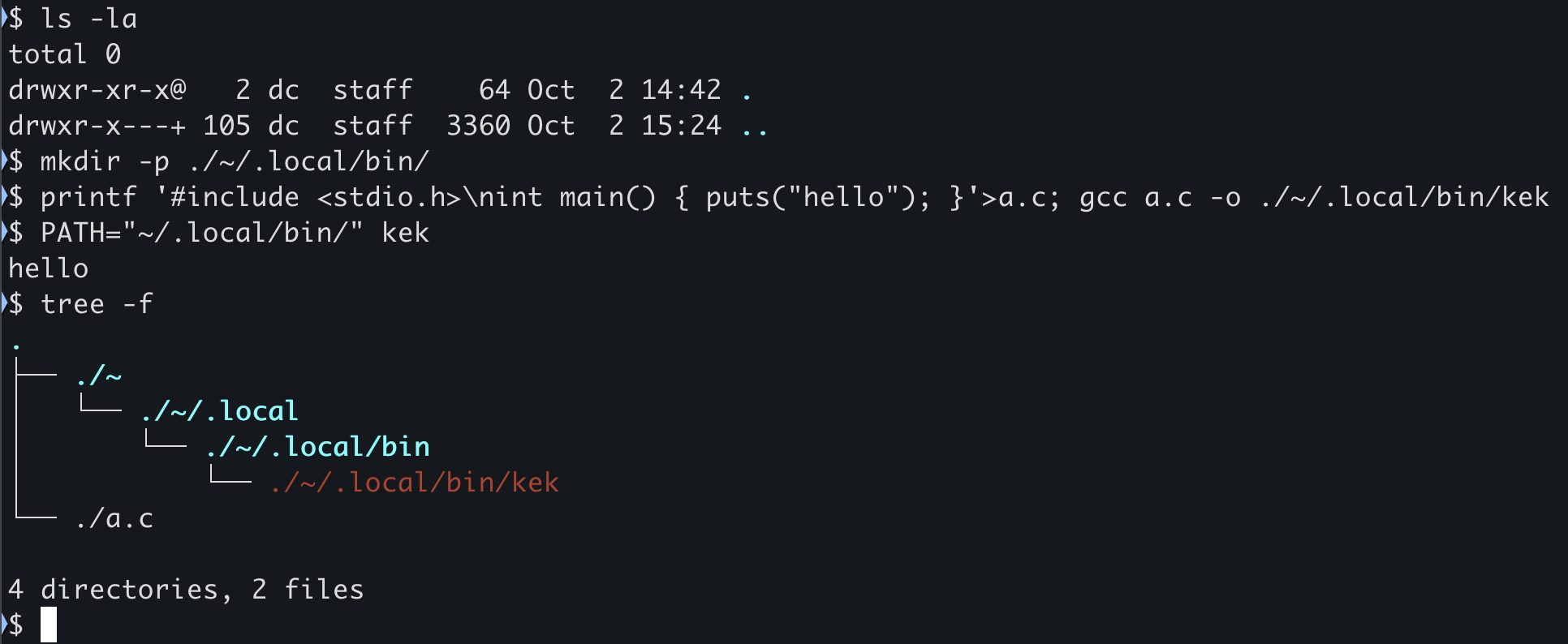
As we can see, the kek binary was found and executed from ./~/.local/bin/ — the home directory was never involved.
Check your PATH
You can quickly check whether you have this problem with:
$ echo "$PATH" | grep -- '~'
or, to see each entry on its own line:
$ echo "$PATH" | tr ':' '\n' | grep '~'
~/.local/bin/
If it prints anything, go fix your .bashrc/.zshrc/.profile and replace the ~ with $HOME :).
Btw, kudos to the nono tool for warning about this - even though the warning could be more verbose (PR incoming).
Comments